Diagnosing and Fixing the “There Has Been a Critical Error on This Website” Screen in WordPress Using WP_DEBUG_LOG
Diagnosing WordPress Critical Error via WP_DEBUG_LOG

Since WordPress 5.2 introduced the built-in fatal error recovery mode, unhandled PHP fatal errors (such as E_ERROR, E_PARSE, or E_COMPILE_ERROR) halt script execution and render the generic “There has been a critical error on this website” screen instead of displaying a completely blank white screen. Resolving this error in a live production environment without guessing … Read more

How to Fix the “Briefly Unavailable for Scheduled Maintenance” Stuck Error in WordPress?

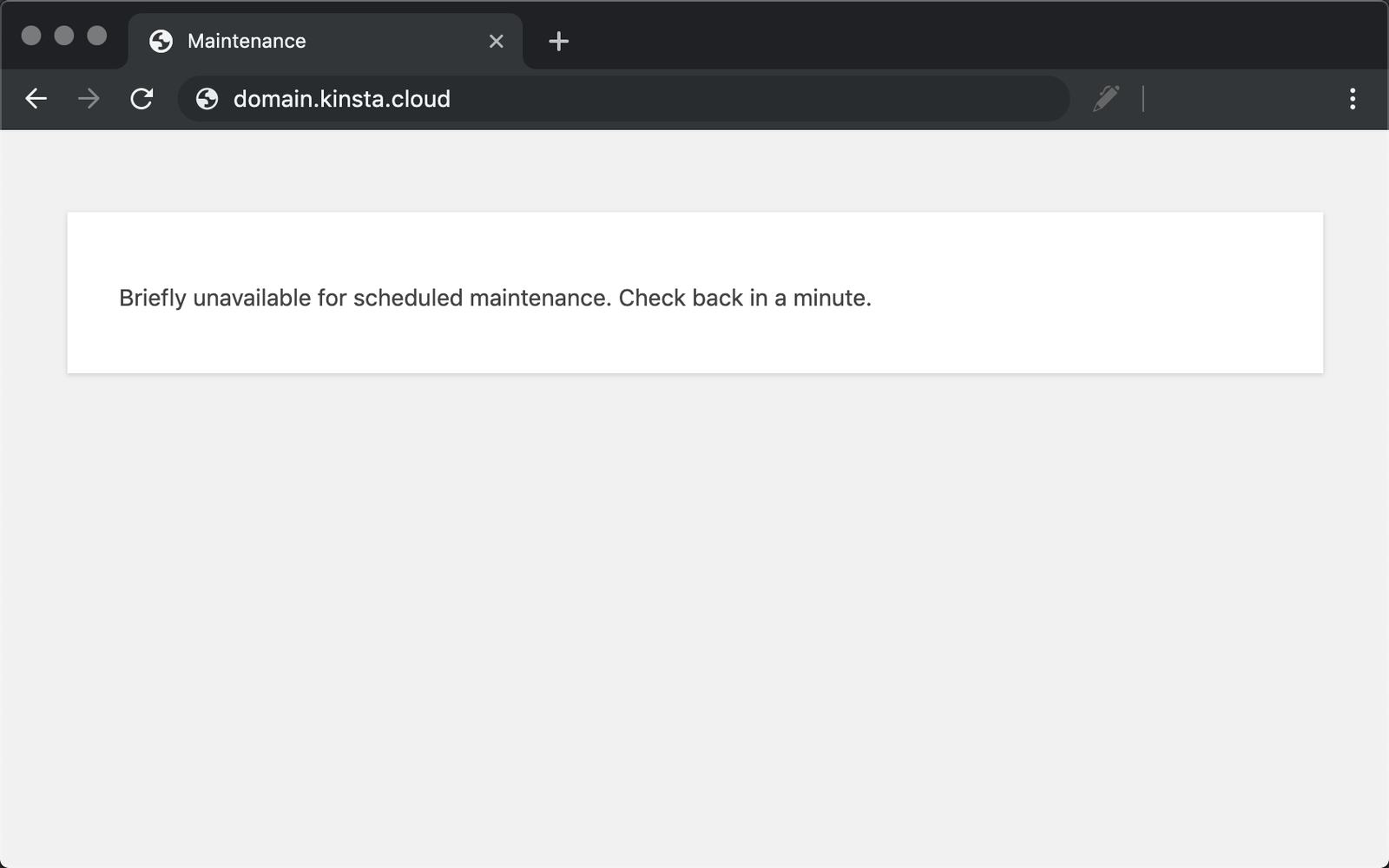
The “Briefly unavailable for scheduled maintenance. Check back in a minute.” error is a core WordPress protective state, not a catastrophic software failure. When you initiate an update for the WordPress core, active themes, or installed plugins, the application executes a script that dynamically writes a temporary hidden file named .maintenance directly into your server’s … Read more

Safely Switching Between WordPress Classic and Block Editors Without Breaking Formatting

The architectural divide between the WordPress Classic Editor and the Block Editor (Gutenberg) lies fundamentally in how they parse, serialize, and store database content. The legacy Classic Editor relies on raw HTML combined with the wpautop() function, which dynamically injects paragraph and break tags at runtime. Conversely, the Block Editor utilizes a specialized serialized HTML … Read more

How to Eliminate WordPress REST API “403 Forbidden” Errors (Complete Fix)?

The WordPress REST API (accessed via the /wp-json/ namespace) is the architectural backbone for the Block Editor (Gutenberg), headless decoupled applications, mobile apps, and third-party SaaS integrations like Zapier. A 403 Forbidden error on this endpoint means your server successfully received the HTTP request, understood the payload, but actively refused to authorize it. Unlike a … Read more

Optimizing WordPress wp_options Autoload Data to Fix Slow Backend Loading

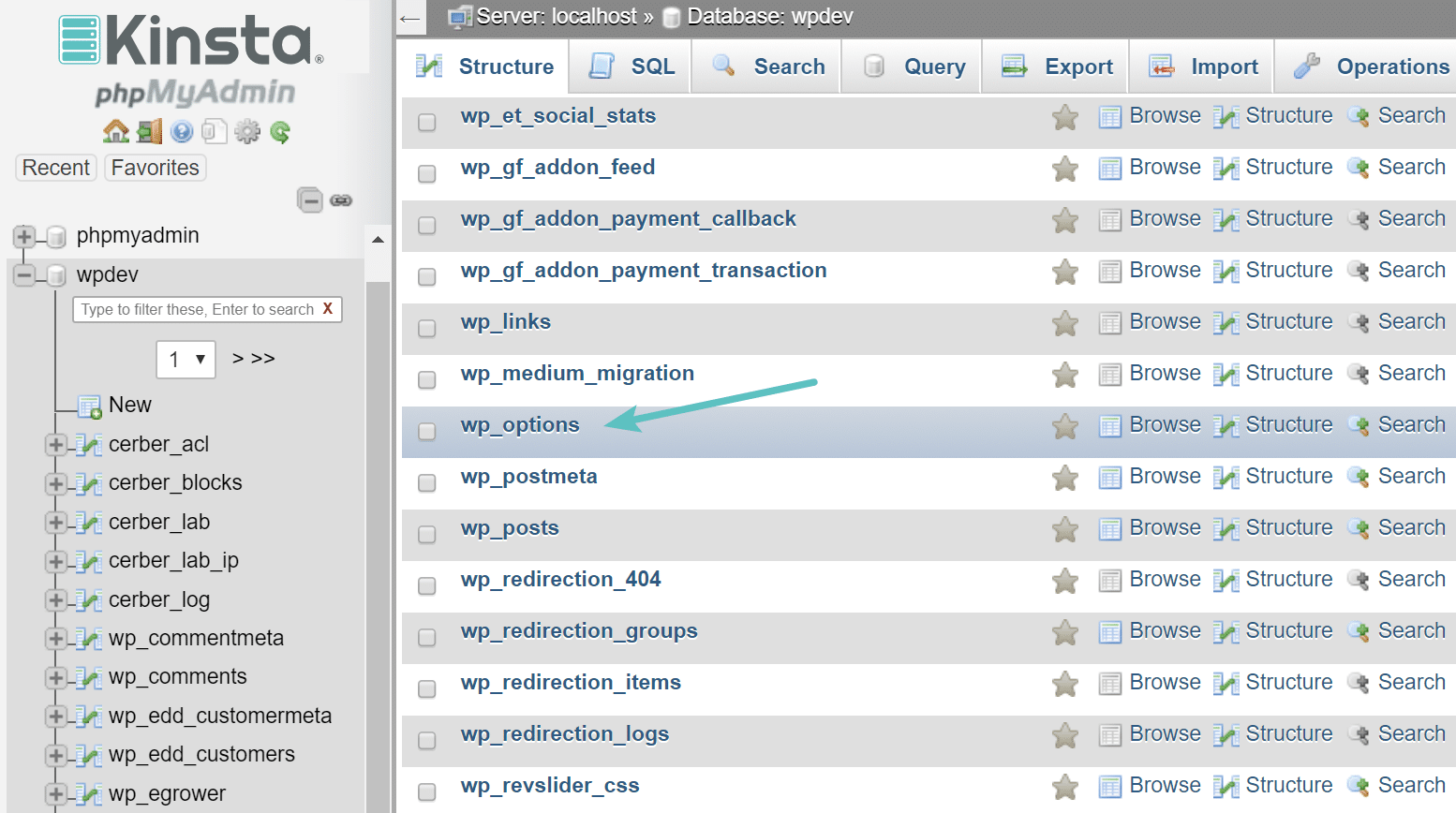
The WordPress wp_options table is the central nervous system for your application’s configuration, storing everything from the site URL to complex plugin settings. By design, WordPress executes the wp_load_alloptions() function on every single page load—both frontend and backend. This function runs a broad SQL query: SELECT option_name, option_value FROM wp_options WHERE autoload = ‘yes’. Ideally, … Read more