How to Fix Video Rendering Stutters and GPU Acceleration Crashes in Desktop Editors?
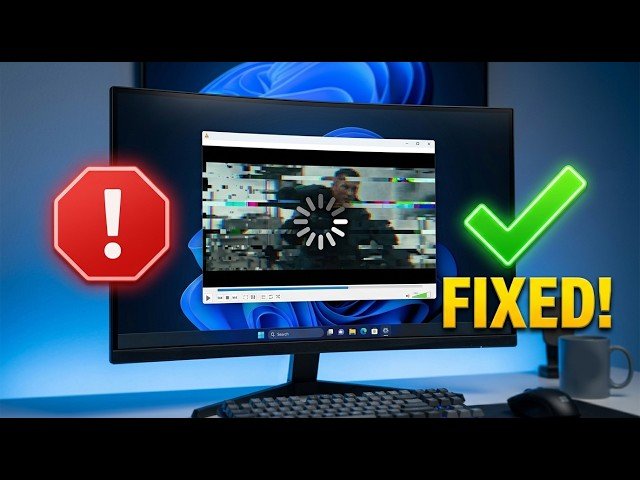
Video rendering stutters and GPU acceleration crashes in Non-Linear Editors (NLEs) like Adobe Premiere Pro and DaVinci Resolve are rarely symptoms of catastrophic hardware failure. Instead, they are the direct result of architectural bottlenecks between your CPU, VRAM allocation, and the decompression logic of highly compressed inter-frame codecs (like H.264 and HEVC/H.265). When an editor … Read more
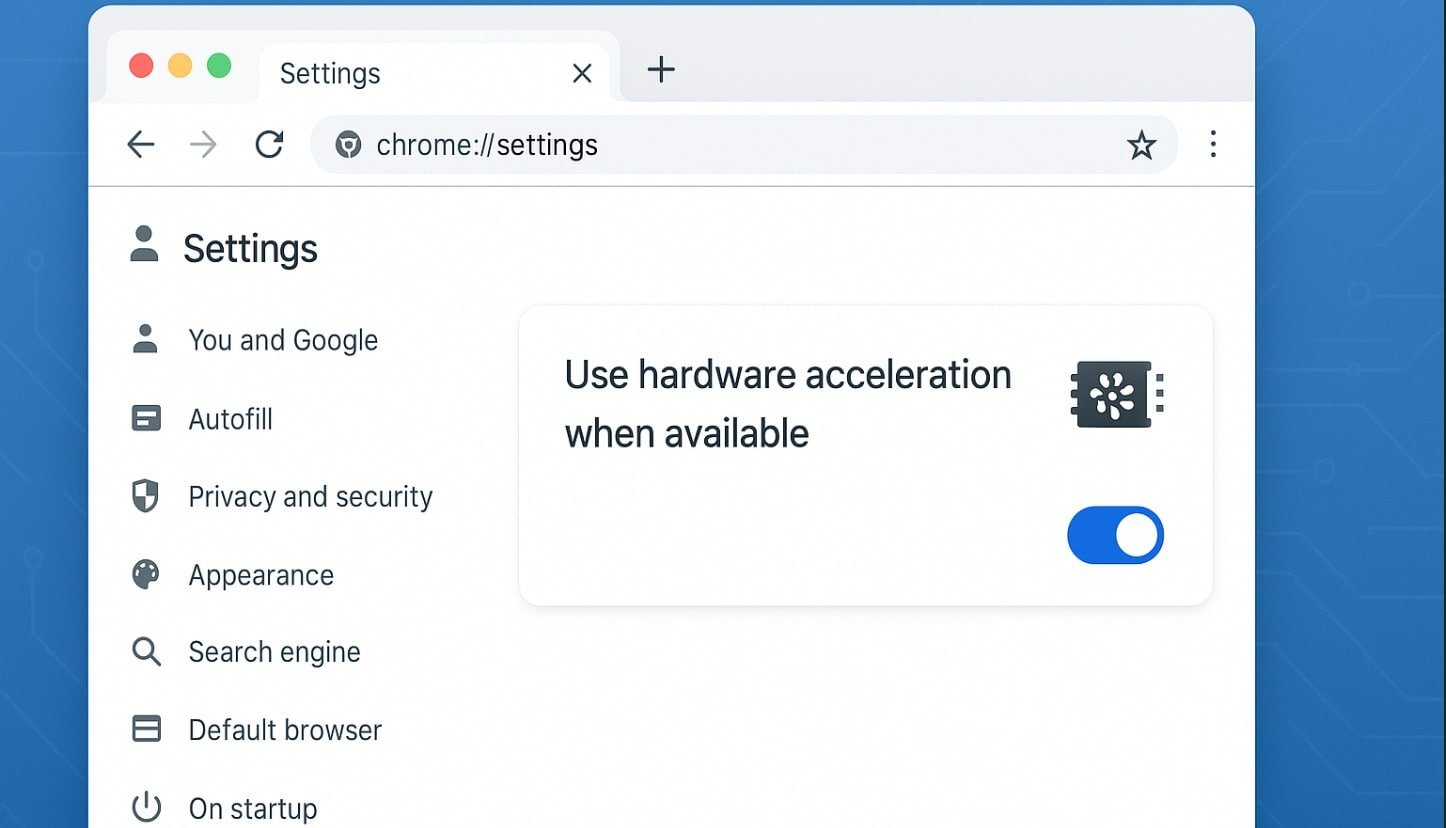

How to Resolve Browser “WebGL Hardware Acceleration Disabled” Glitches?

The “WebGL Hardware Acceleration Disabled” error occurs when a web browser refuses to utilize your computer’s Graphics Processing Unit (GPU) to render 2D and 3D web graphics. WebGL (Web Graphics Library) is a JavaScript API designed to offload heavy rendering tasks from your CPU directly to your GPU. When this pipeline breaks, browsers fallback to … Read more

Fixing “Could Not Connect to the Server” Socket Errors in Desktop Trading Applications

The “Could Not Connect to the Server” socket error in desktop trading clients (such as Binance Desktop, MetaTrader, or ThinkOrSwim) occurs when the local machine fails to establish or maintain a persistent TCP WebSocket connection with the exchange’s matching engine. This failure halts real-time order book data, disrupts limit order execution, and causes sudden application … Read more

How to Clear Corrupted DNS Cache and Reset Winsock in Windows to Fix Network Dropping?

Intermittent network dropping, persistent “DNS Server Not Responding” errors, and abrupt TCP socket disconnects are symptomatic of a corrupted local Domain Name System (DNS) resolver cache or a damaged Windows Sockets API (Winsock) catalog. The DNS cache maps human-readable domain names to numerical IP addresses; when this table caches outdated, corrupted, or poisoned routing paths, … Read more

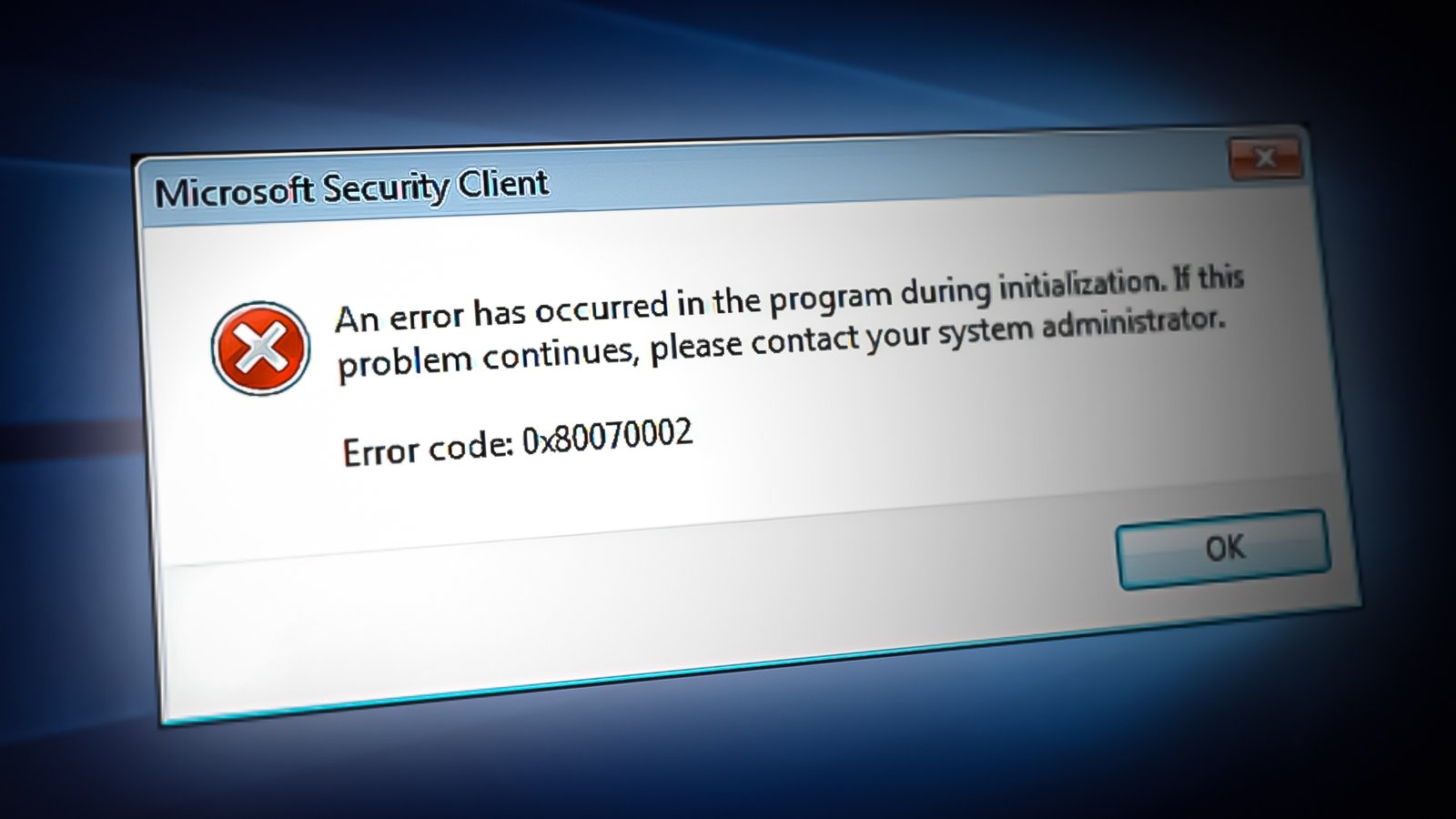
Step-by-Step Fix: Resolving Windows Update Error Code 0x80070002

Windows Update Error Code 0x80070002 translates natively to ERROR_FILE_NOT_FOUND within the Windows kernel architecture. This systemic failure occurs when the Windows Update agent successfully communicates with Microsoft’s servers and downloads an update package, but cannot locate or extract the necessary cryptographic payloads to initiate the installation phase. This missing file state is almost exclusively caused … Read more