Generative AI diffusion models function natively as stochastic noise denoisers, making them highly unpredictable for enterprise brand campaigns. Passing the exact same prompt multiple times into a model yields drastically disparate color palettes, inconsistent lighting setups, and mismatched textural finishes. This architectural variation fundamentally breaks brand visual consistency; a five-image campaign generated this way looks as though five entirely different companies produced it. To transform an image generator from a random creative engine into a deterministic visual template machine, systems administrators must anchor the latent generation process to a strict mathematical reference. This is achieved through three distinct pipelines: injecting zero-shot style reference tokens (Midjourney’s --sref) to hijack the diffusion trajectory at runtime, permanently modifying the U-Net weights of an open-source base model by compiling a custom Low-Rank Adaptation (LoRA) checkpoint, or employing runtime ControlNet adapters. This technical guide establishes the exact command-line syntax, dataset structuring rules, and training parameters required to lock your brand’s aesthetic across disparate subjects and environments.
Prerequisites Before You Begin
Before modifying generation parameters or allocating GPU compute for model training, ensure you have the following access levels, hardware, and assets deployed:
-
Curated Dataset: 30 to 60 high-quality images of your exact brand aesthetic applied to a wide variety of subjects. A dataset lacking subject diversity will cause the model to memorize the specific objects in the photos rather than the overarching visual style.
-
Midjourney Pro Tier: Required to execute Fast GPU hours for rapid
--srefiteration and testing without being throttled by rate limits. -
Kohya_ss GUI Deployment: An active local or cloud installation of the Kohya_ss repository configured with Python 3.10 to compile
.safetensorsfiles for Stable Diffusion. -
VRAM Overhead: A dedicated NVIDIA GPU with a minimum of 10GB to 12GB VRAM (e.g., RTX 3060, RTX 4070) to support SDXL training batches and fused backward pass operations.
-
ControlNet Environment: Automatic1111 WebUI or ComfyUI installed locally, pre-loaded with the
ip-adapter_plustensor models in yourmodels/ControlNetdirectory.
Step-by-Step Solutions
Method 1: Enforcing Visual Rules via Midjourney Style References (–sref) (The Cloud Approach)
Midjourney’s --sref parameter acts as a zero-shot style transfer mechanism. Instead of relying purely on text to describe an aesthetic, you pass a direct image URL, forcing the model to borrow the color palette, lighting, texture, and aesthetic direction from the reference while preserving your prompted subject.
Step 1: Isolate and Upload the Brand Anchor Locate the strongest visual representation of your brand’s desired output (e.g., an isometric 3D render with your specific corporate color palette). Open your Midjourney Discord server, click the + icon, select Upload a File, and send it to the chat. Right-click the uploaded image and select Copy Image Address to capture the direct Discord Content Delivery Network (CDN) URL. To verify this step was successful, paste the copied URL into a fresh browser tab to ensure the image resolves directly as a .png or .jpg without any HTML wrapper.
Step 2: Append the Style Reference and Weight Parameters Initiate your new prompt using /imagine. Write the core subject and action first. At the very end of the prompt string, append the --sref parameter followed by a space and the URL you captured. Immediately following the URL, append the Style Weight parameter (--sw 100 to --sw 1000). For standard brand adherence, use --sw 300 to force a heavy style lock without completely corrupting the prompt’s subject. To verify this step was successful, ensure your prompt syntax reads exactly: /imagine prompt: [Subject description] --sref [URL] --sw 300.
Step 3: Interpolate Multiple Styles for Campaign Blending If your brand aesthetic relies on a unique blend of two distinct styles (e.g., watercolor textures mixed with 3D digital art), you must pass multiple URLs. Use --sref [URL1] [URL2] [URL3] --sw 200. Midjourney will mathematically average the aesthetic vectors of the supplied images. To verify this step was successful, review the output grid. The image should exhibit a unified aesthetic combining the lighting and textures of the references, preventing the model from over-fitting to any single image’s constraints.
Method 2: Training a Dedicated Style LoRA via Kohya_ss (The Sysadmin Approach)
Midjourney operates as a proprietary black box. For local, uncensored, and enterprise-owned workflows operating on Stable Diffusion, you must train a Low-Rank Adaptation (LoRA) model. This permanently alters the base model’s mathematical weights to understand your specific style on command.
Step 1: Format the Dataset and Trigger Words Create a training directory with a subfolder named 3_yourtoken. The number 3 specifies the repeat count per epoch, and the Kohya pipeline reads this metric directly from the folder string. Place 30 to 60 properly cropped images inside. Beside each image, create a .txt file for captioning. You must use a rare, untaught token (like skw or ohwx) to trigger the style. Crucially, bind the token to the style, not the subject. Your caption should read: a man walking, skw style rather than an skw man. To verify this step was successful, ensure your dataset folder structure strictly contains matched pairs of identically named .png and .txt files.
Step 2: Configure the Dimensionality and Optimizer Settings Launch the Kohya_ss GUI and navigate to the Dreambooth LoRA tab. Set the base model to your preferred architecture (e.g., sd_xl_base_1.0.safetensors). Under parameters, configure your Network Rank (Dimension) to 32 and your Network Alpha strictly to 16. Setting the Alpha to half of the Rank ensures smooth style transfer without blowing out fine pixel details. Set the optimizer to AdamW8bit, which cuts VRAM consumption by up to 30% with negligible quality loss. Set the learning rate to 1e-4 (the SDXL standard) with a cosine scheduler. To verify this step was successful, review the UI to confirm gradient checkpointing is enabled and mixed precision is set to bf16.
Step 3: Execute the Training Run and Mitigate VRAM Crashes Click Start Training. If you only have 10GB of VRAM and SDXL immediately crashes with a CUDA Out of Memory (OOM) error, you must bypass the standard optimizer. Switch the optimizer to Adafactor and enable the Fused Backward Pass option. This integrates the backward and step operations into a single pass, dropping SDXL training memory from roughly 24GB down to ~10GB. To verify this step was successful, watch your terminal window. The progress bar should iterate cleanly through the epochs, eventually writing the compiled .safetensors file to your designated output directory.
Method 3: Zero-Shot Local Style Transfer via IP-Adapter (The Workflow Approach)
Training a LoRA requires significant compute time. To execute instant, zero-shot style transfer locally without compiling a new dataset, utilize IP-Adapter via ControlNet in Automatic1111 or ComfyUI.
Step 1: Configure ControlNet for IP-Adapter Open your WebUI and expand the ControlNet dropdown accordion. Upload your brand style reference image into the canvas. Check the Enable and Pixel Perfect configuration boxes. Under the Control Type radio buttons, select IP-Adapter. To verify this step was successful, the UI should automatically select the corresponding IP-Adapter preprocessor and model from your local installation directory.
Step 2: Balance the Prompt and Control Weight The IP-Adapter neural network aggressively overrides the base model’s standard style interpretation. Because it analyzes the entire reference image, you must lower the Control Weight slider to 0.6 or 0.7. If left at 1.0, the IP-Adapter will literally copy the specific subject of the reference image instead of extracting just the aesthetic style. To verify this step was successful, generate a batch of images. The new subjects should inherit the exact lighting, brushstrokes, or color grading of the reference image without morphing into the reference’s original subject matter.
Troubleshooting Common Pitfalls
If your style training results in melted subjects, memory crashes, or semantic bleeding, consult this diagnostic table to isolate the processing conflict:
3 Common Mistakes Users Make During This Process
-
Training LoRAs on Identical Subjects: If you feed a dataset of 50 images exclusively containing red sports cars to teach the model a “cyberpunk neon style,” the model will simply memorize the red sports car. You must train artistic styles on highly varied subjects (people, landscapes, architecture) so the neural network learns to generalize the aesthetic alone.
-
Setting Network Alpha Equal to Rank: Beginners frequently set both Rank and Alpha to 32 inside the Kohya_ss UI. For style LoRAs, setting Alpha to exactly half the Rank (e.g., Rank 32, Alpha 16) is the mathematical standard for achieving smooth style transfer without burning the weights or blowing out the image contrast.
-
Midjourney Style Drifting Across Batches: Users often rely on a low
--sw 100setting for a massive generation campaign, resulting in the style drifting back to Midjourney’s default aesthetic over multiple prompts. For strict, unyielding brand production, you must use--sw 300or--sw 400to lock the aesthetic permanently.
Final Thoughts
Maintaining absolute brand consistency in generative pipelines requires strict parameter enforcement and custom weighting, not endless prompt engineering. Whether utilizing Midjourney’s lightweight --sref commands for rapid cloud ideation or committing to training a persistent SDXL LoRA via Kohya_ss, isolating aesthetic variables from structural subject variables guarantees scalable, uniform visual architecture for production environments.
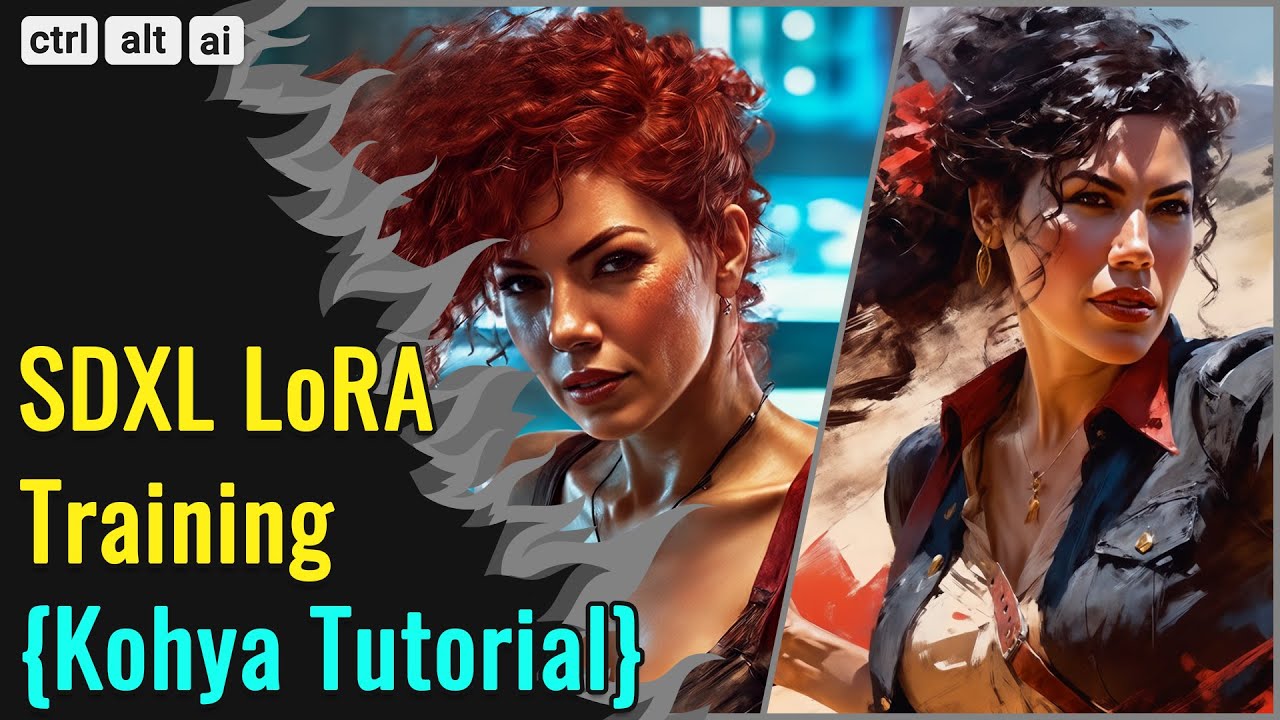
For visual learners wanting to master the local training environment, this Kohya_ss SDXL LoRA walkthrough provides a comprehensive breakdown of the graphical interface and parameter tuning for Stable Diffusion models.